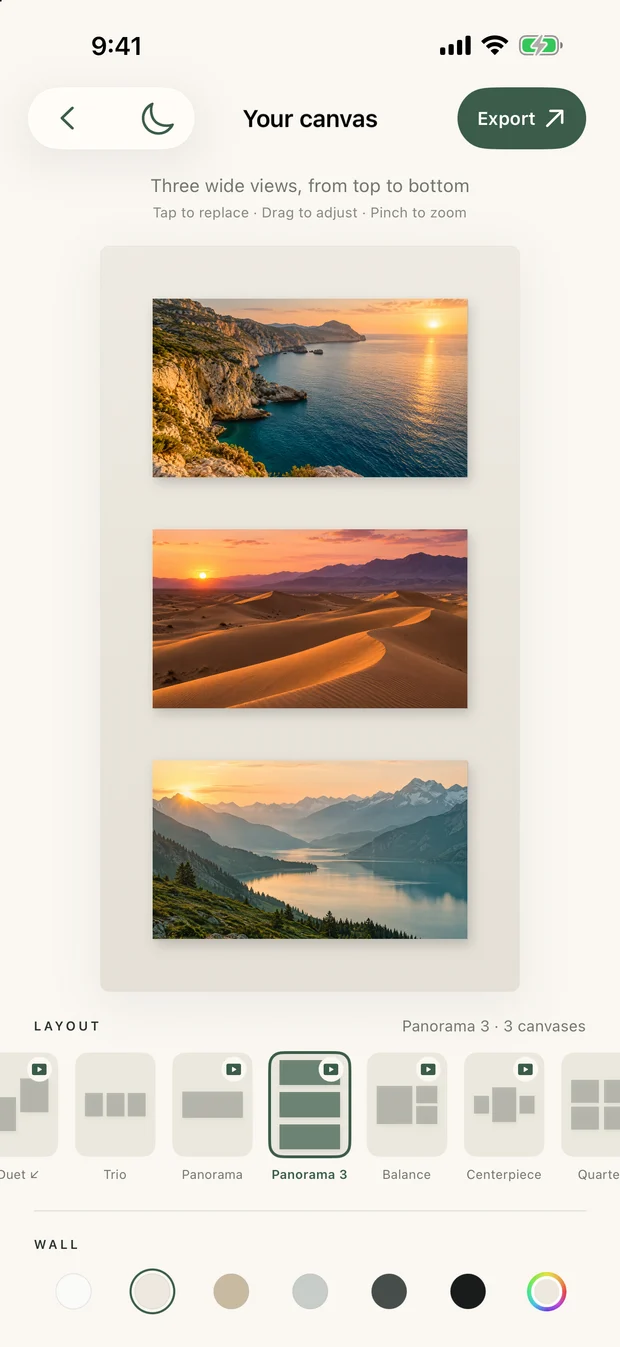
15 LAYOUTS
Find the right rhythm.
From one favorite photo to a gallery of six. Switch between 15 layouts until everything feels in place.
YOUR MOMENTS, YOUR CANVAS
Some photos deserve more than a camera roll. Give yours a little space, a beautiful layout, and a story of their own.
Get InstaMuseMade for iPhone, iPad & Android



01 / Trio
Try a composition
A little preview of what you can create. Your photos stay in the app.
LESS FUSS. MORE FEELING.
15 LAYOUTS
From one favorite photo to a gallery of six. Switch between 15 layouts until everything feels in place.
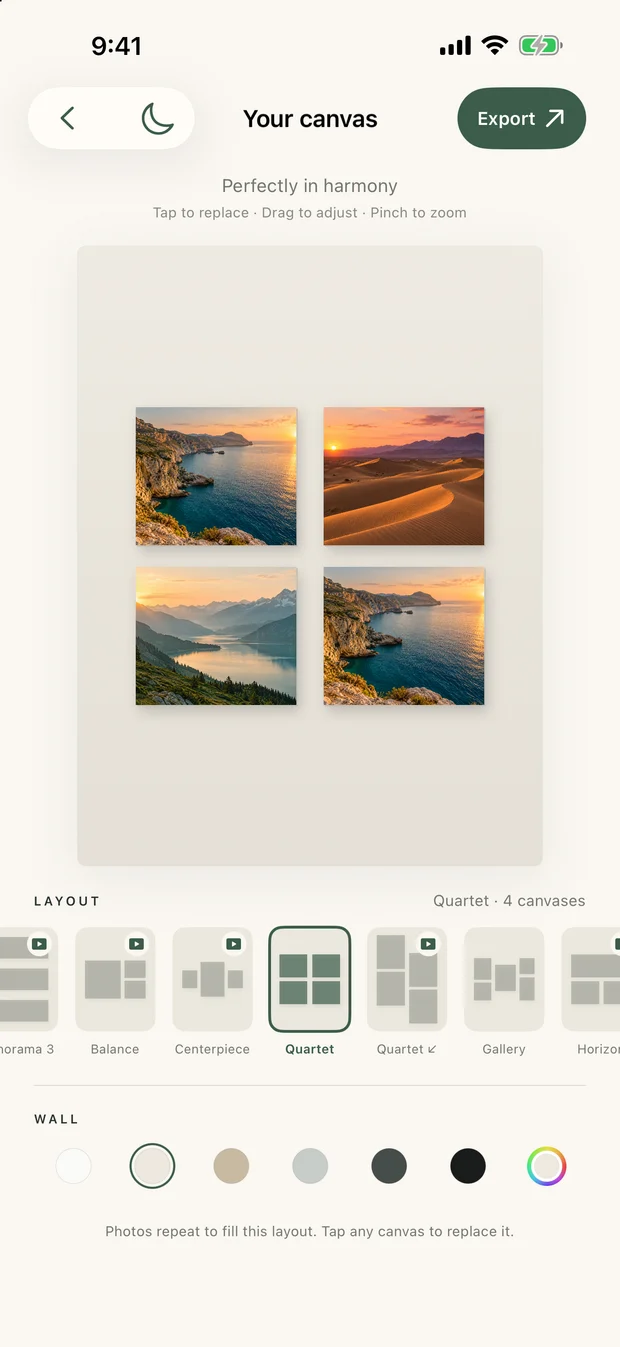
TWO FORMATS
Create in 9:16 for stories or 3:4 for your feed. Your composition exports as a crisp, full-size PNG.
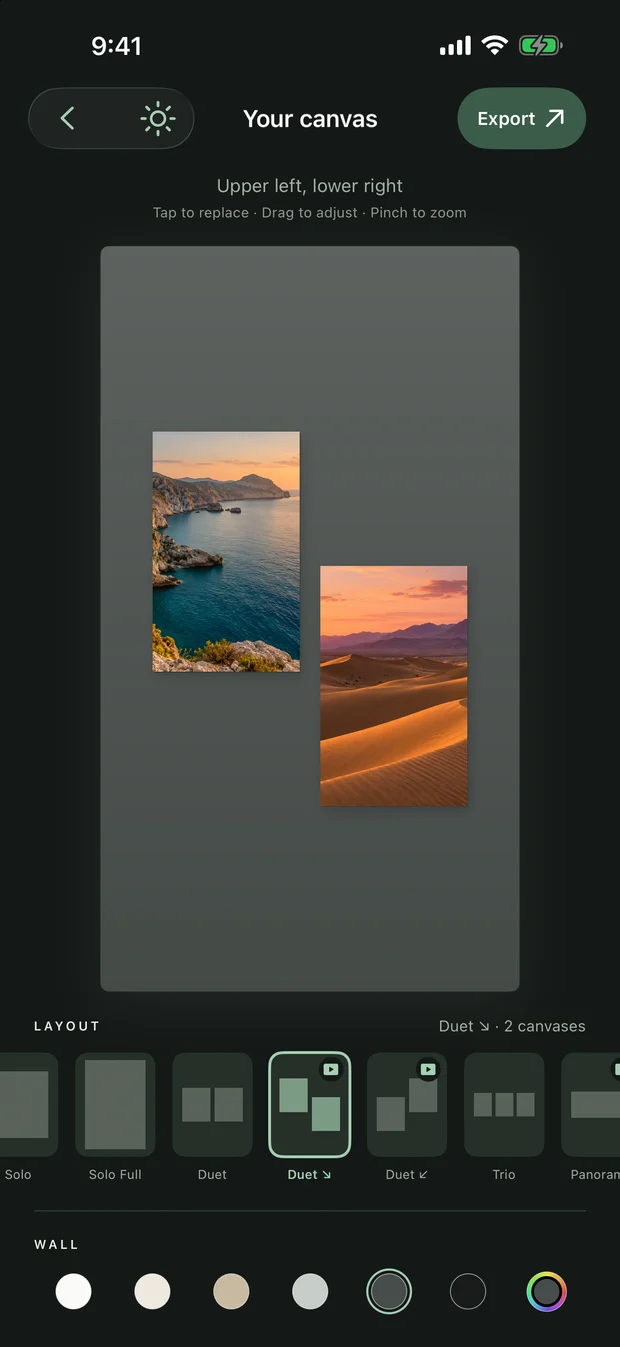
YOUR FINISHING TOUCH
Choose a wall color, drag to reframe, and pinch to zoom. Light or dark, the details are yours.
FROM CAMERA ROLL TO CANVAS
Choose a format and 1–6 photos from your library.
Choose a layout, adjust the crop and set the mood with color.
Save your PNG to Photos or share it with your favorite apps.
YOUR PHOTOS STAY CLOSE.
Your photos and recent canvases are stored on your device. InstaMuse does not upload them to an editing server. Ads use Google AdMob, with privacy choices where required.
Read our privacy policyFAQ
Yes. Seven layouts are free to export, with occasional interstitial ads. Eight bonus layouts offer an optional rewarded ad to unlock the export of that composition. There are no subscriptions or in-app purchases.
Choose Story (9:16, 1080 × 1920 px) or Feed (3:4, 1080 × 1440 px) when you create a canvas. Exports are PNG images.
InstaMuse edits and stores your photos locally on your device. It does not upload your photos to our servers. When you share an export, the app or service you choose handles that image.
Yes. Your latest 12 creations are saved in your local collection so you can reopen and adjust them. There is no cloud sync; device backups may include app data depending on your settings.
A failed ad load does not block saving or sharing. If you close an available rewarded ad before earning the reward, that bonus export stays locked; free layouts remain available.
InstaMuse supports iPhone and iPad on iOS 17 or later, and Android phones on Android 10 or later. The app and website are available in English, French and Spanish.
INSTAMUSE
A weekend away. A quiet afternoon. The people you love. Give your moments a canvas.
InstaMuse is getting ready for the App Store and Google Play. Download links will appear here when the app is available.